Installation
Automatic installation (recommended)
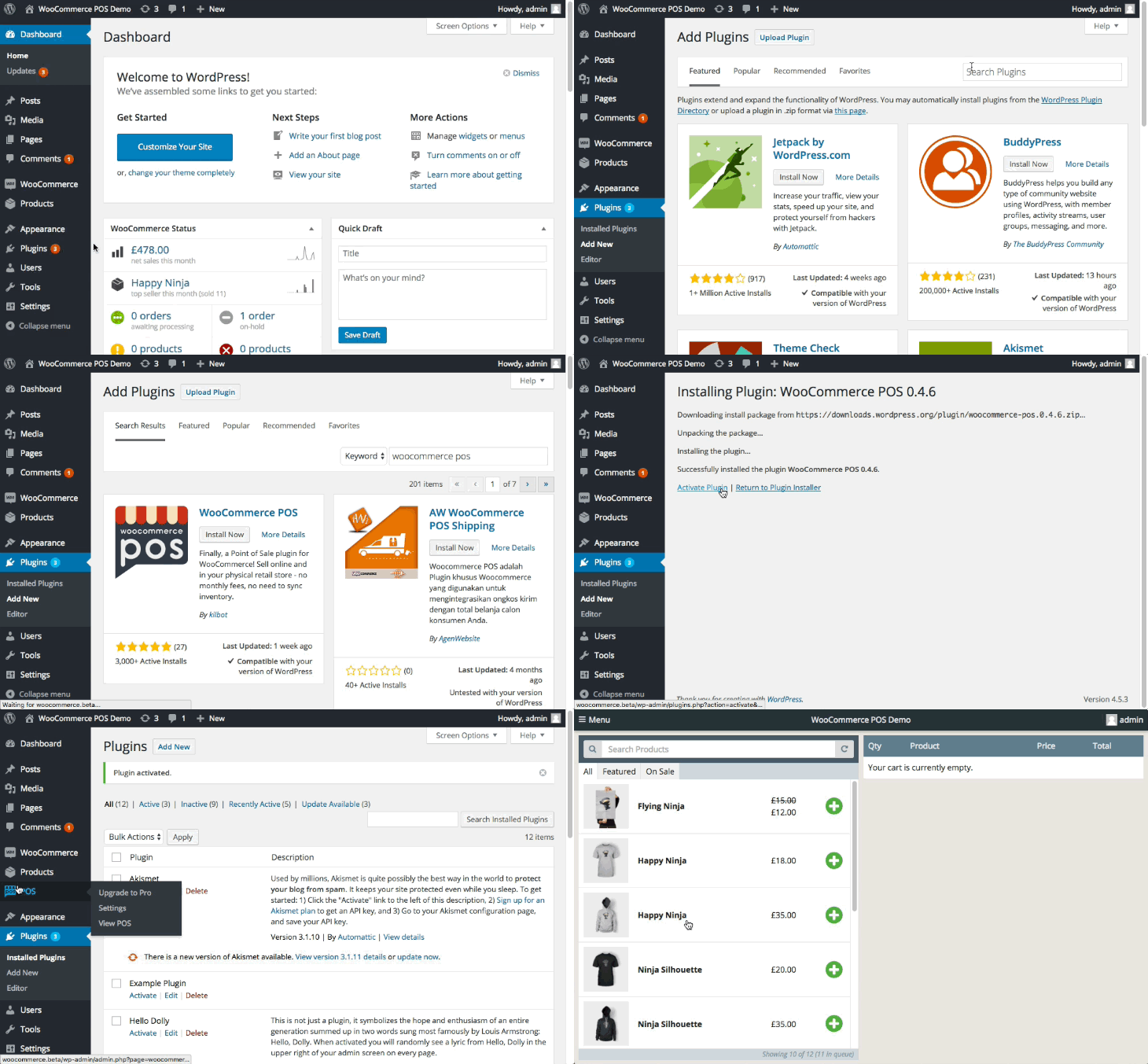
- Go to
WP Admin > Plugins > Add New - Search for
WCPOSin the WordPress Plugin Directory - Install the plugin
- Activate the plugin
Manual installation
- Download WCPOS from WordPress.org
- Go to
WP Admin > Plugins > Add New > Upload Plugin - Activate the plugin
info
Previous versions of WCPOS can be found under the Developers tab on Wordpress.org.